
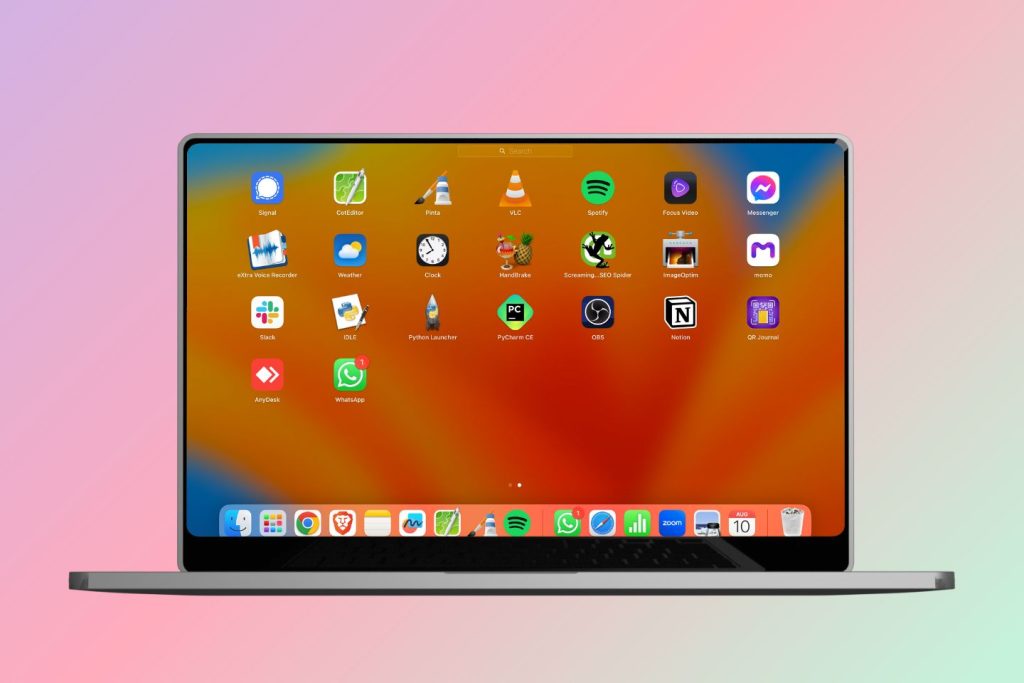
NotePad++ alternative on Mac
To make it more like Notepad++
Prefer tabs
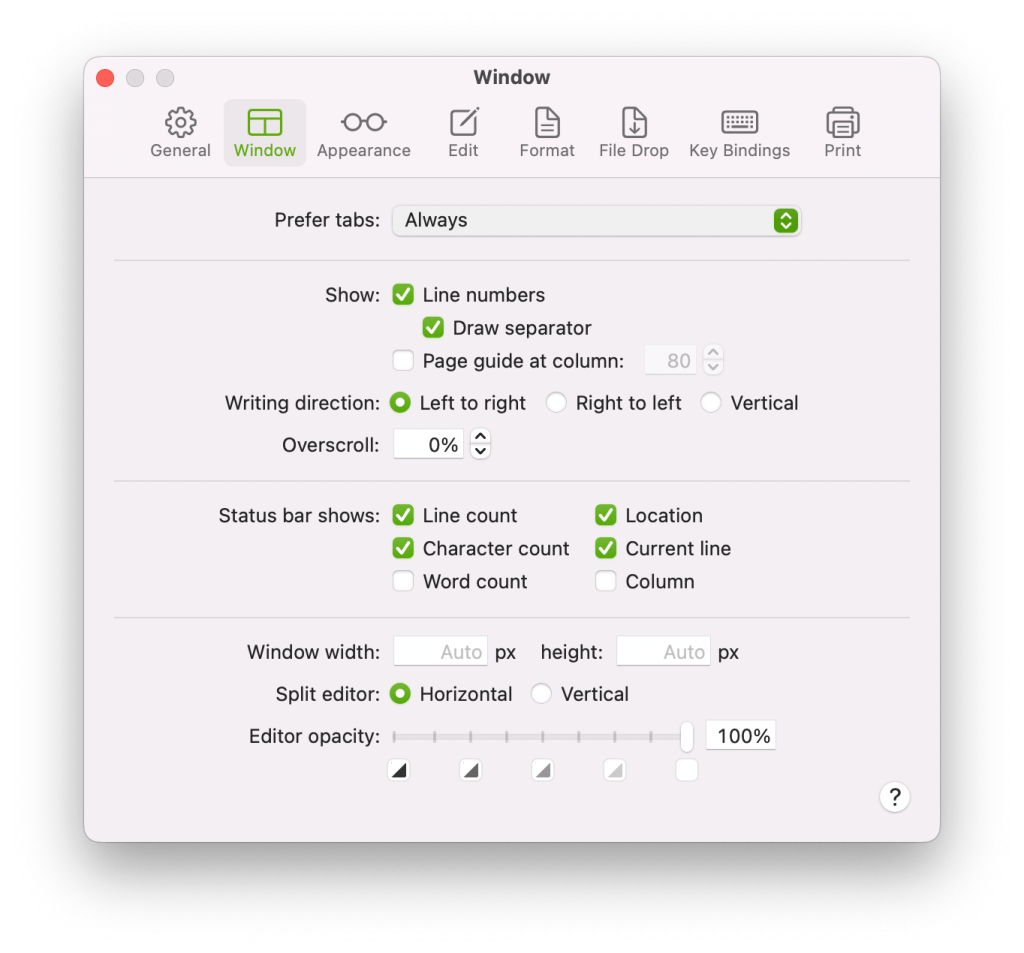
By default, when you Open a new file, it opens a New Window instead of a Tab. Which is not ideal, because most of the this types of works better managed with Tabs, not so much with Windows. 1. you want to be able see the other tabs it is difficult, 2. I am very likely to close the Windows that I am not working on. But most of the works I want to keep there even if I close the App, I want to see all the works next time I open CotEditor.
So, to make CotEditor open new files, you need to update the Prefer Tabs setting to Always. Here are the steps –
Click on CotEditor on the Menu bar on the top > Preferences > Windows > Prefer Tabs > Always
Solution credit: https://github.com/coteditor/CotEditor/issues/1195
GreenShot alternative on Mac
Mac’s own Screenshot app is pretty cool, so was in Windows. Mac is even better because on Mac it allows you to capture videos as well.
But Greenshot is still undefeated. For such a lite app it stuffed with pretty nifty features, and very intelligent UX, it minimises the number of steps you need to take to do anything, like saving files, copying to clipboard, opening the Greenshot editor which great annotation tool, opening the screenshot in any other app, or just uploading the photo to the web (Imgur) and get a link. This is genius. Folks at Greenshot have really put their mind to it.
Okay they have released one. Nice: https://getgreenshot.org/2017/01/10/mac-os-launch/
Paint.NET alternative
Yet to find one. Suggest me on the comment.
Caesium – Image Compressor alternative
Online image compressors like Optimizilla, TinyPNG work just fine, but sometimes you want a desktop app for the work. Caesium was pretty cool app on Windows and Linux.
Yet to find one. Suggest me on the comment.
OBS studio
Mac’s in built Screenshot app records the screen nicely, so, 95% of the time I will be using it. But in some cases I think OBS Studio may help where the builtin one can not.
Yet to find one. Suggest me on the comment.